

Once you know your fireplace accepts a millivolt remote system, the next step is choosing the controls you want. Options include simple on/off operation, countdown timers, thermostats, programmable settings, and wall-mounted controls.
This guide compares those features and provides examples to help you narrow your choices. Confirm compatibility with your fireplace before ordering a remote or receiver.
Confirm Millivolt Compatibility First
Check the wiring diagram and remote-control instructions in your fireplace’s installation and operation manual. For help identifying the control type, see How to Determine What Remote Works for You.
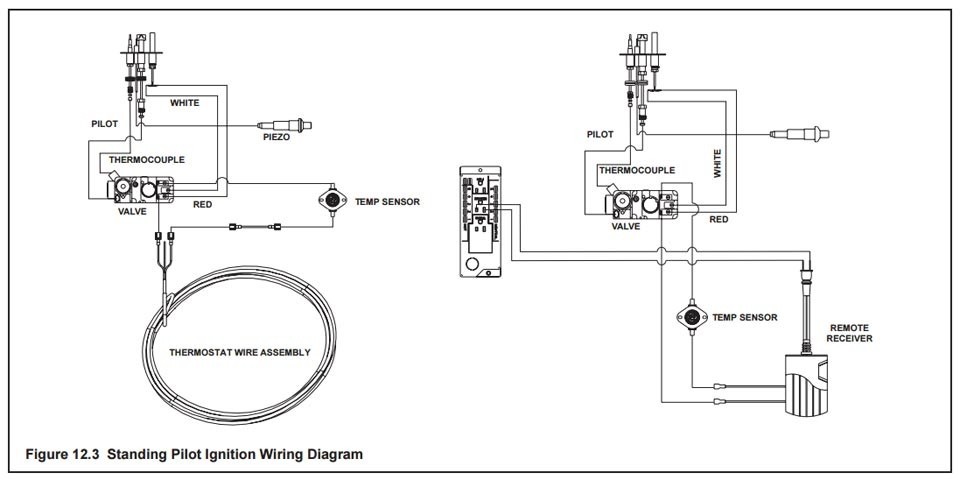
The diagram above is a reference example, not a substitute for your appliance’s wiring instructions. A compatible millivolt receiver switches the control circuit; it does not supply household voltage to the gas valve.
Some remote systems use battery-powered receivers, while others use plug-in receivers. Availability depends on the model. Choose the correct complete system rather than assuming receivers are interchangeable.
1. On/Off Remotes
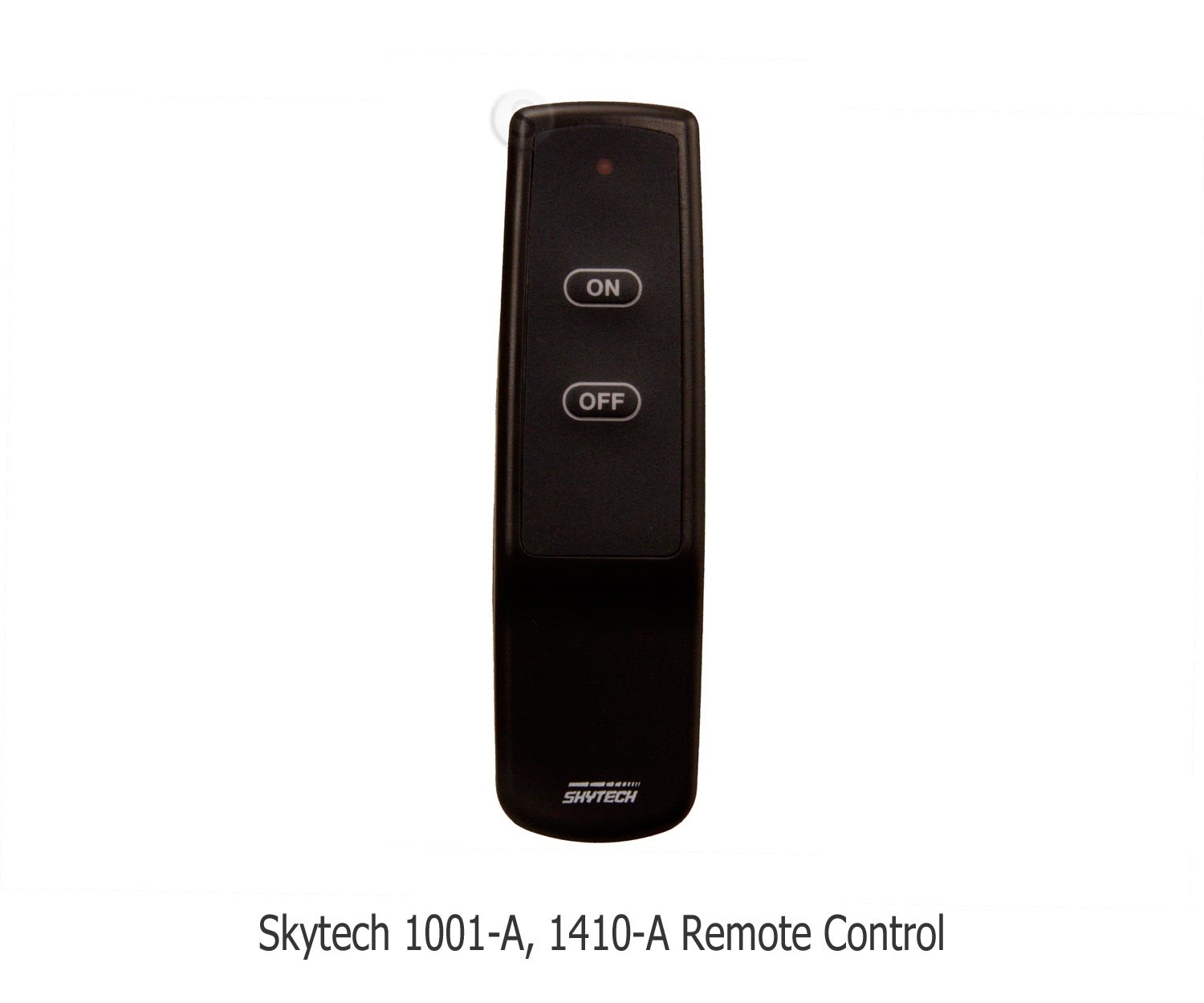
On/off remotes provide straightforward control of the main burner. Choose this type if you want to start and stop the fireplace without timer or temperature settings.
- Battery-powered receiver: Skytech 1001-A
- Plug-in receiver: Skytech 1420-A
2. Timer Remotes
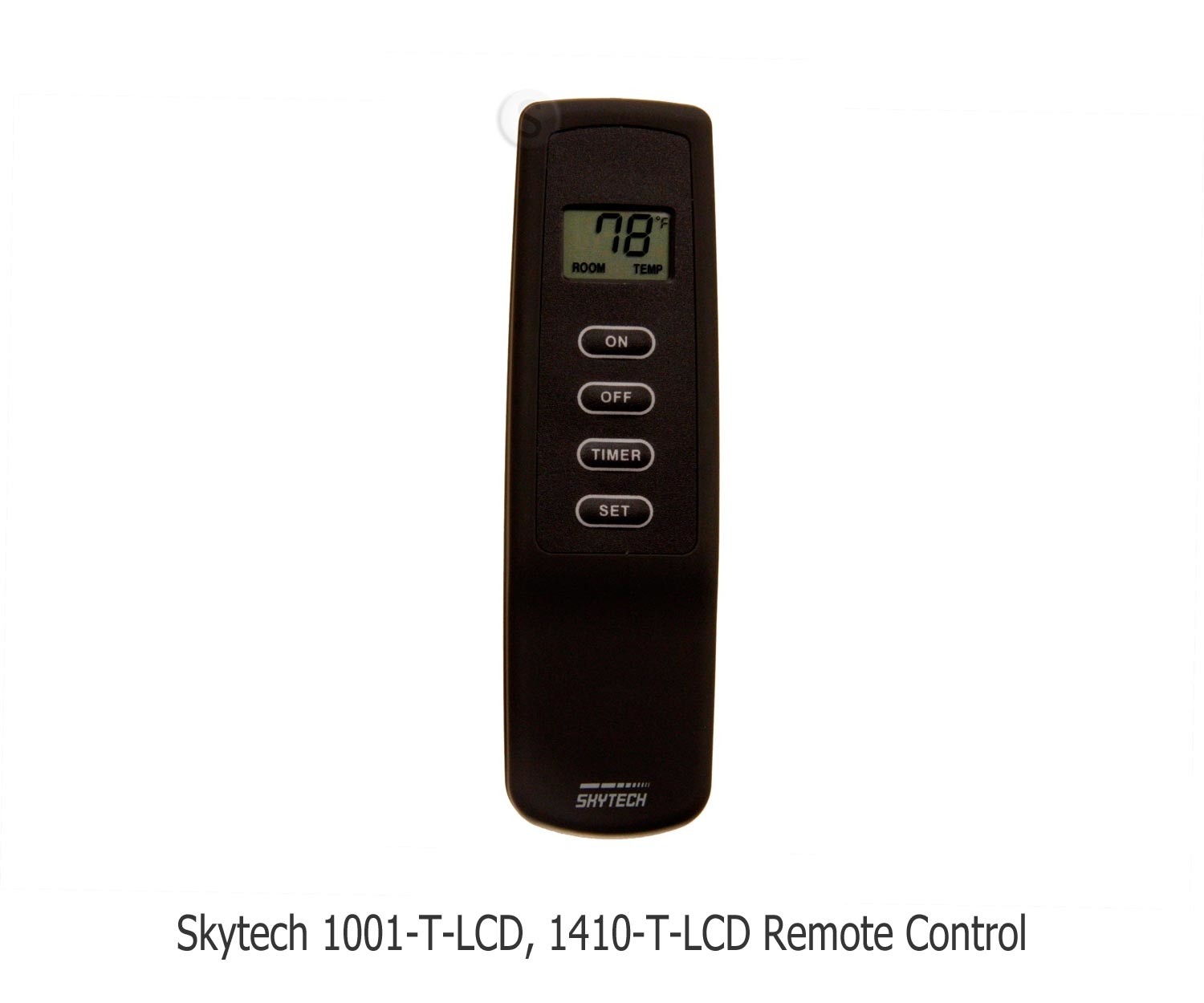
Timer remotes add a countdown function to on/off control. You select an operating period, and the system turns the burner off when the countdown ends. Available timer settings vary by model.
A timer is a convenience feature, not permission to leave the fireplace unattended. Follow the appliance and remote manufacturer’s operating instructions.
- Battery-powered receiver: Skytech 1001T/LCD-A
- Plug-in receiver: Skytech 1420T/LCD-A
3. Thermostat Remotes
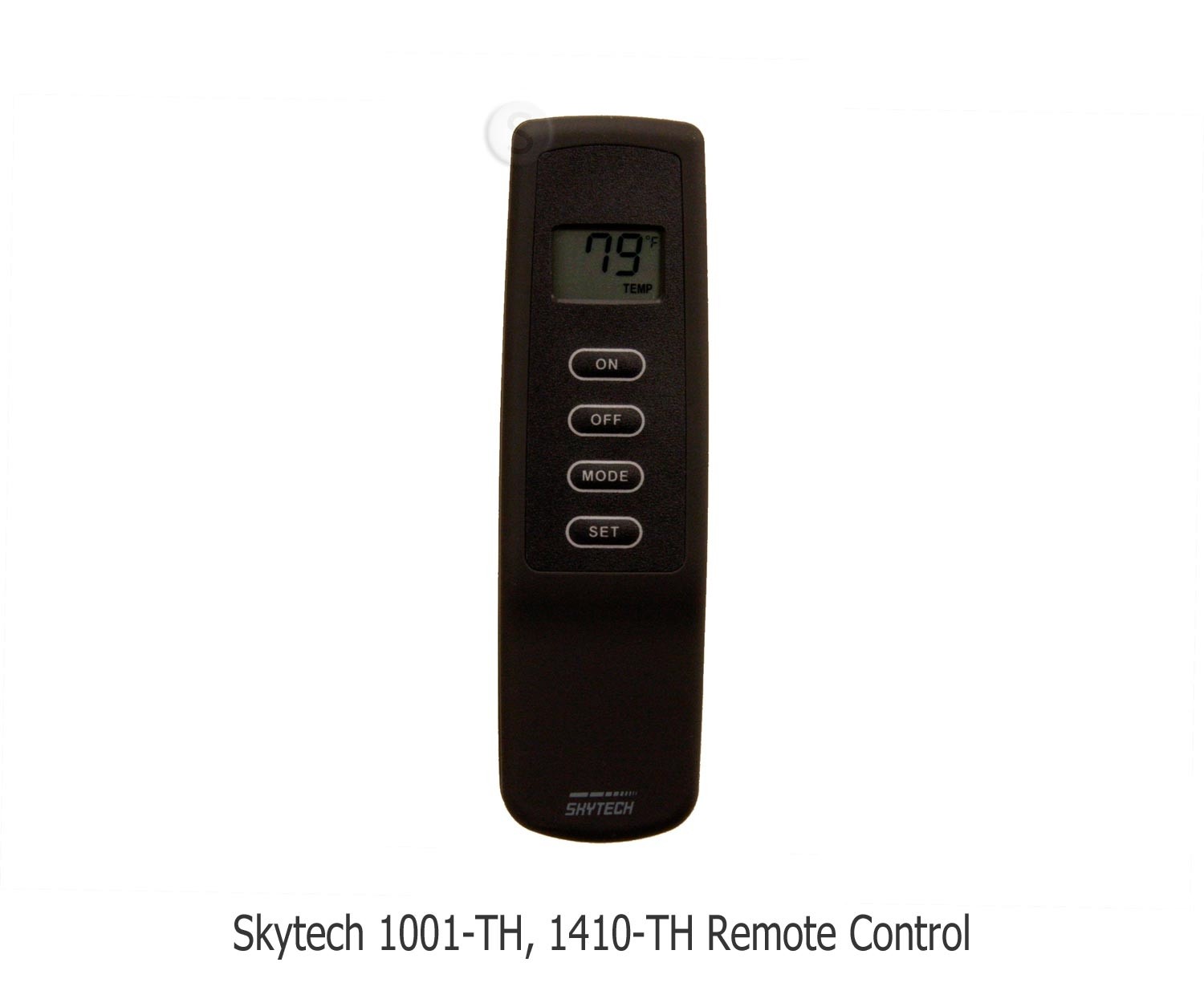
Thermostat remotes let you select a target temperature. In thermostat mode, the control calls for the burner to turn on or off based on the sensed temperature and the model’s operating settings.
Choose this option if temperature-based operation matters more to you than a simple countdown. Confirm that your fireplace allows thermostat control, and follow the remote’s placement instructions for temperature sensing.
- Battery-powered receiver: Skytech 1001TH-A
- Plug-in receiver: Skytech 1420TH-A
Some models combine thermostat and timer functions. One example is the Skytech 5301 timer and thermostat remote system.
4. Programmable Remotes
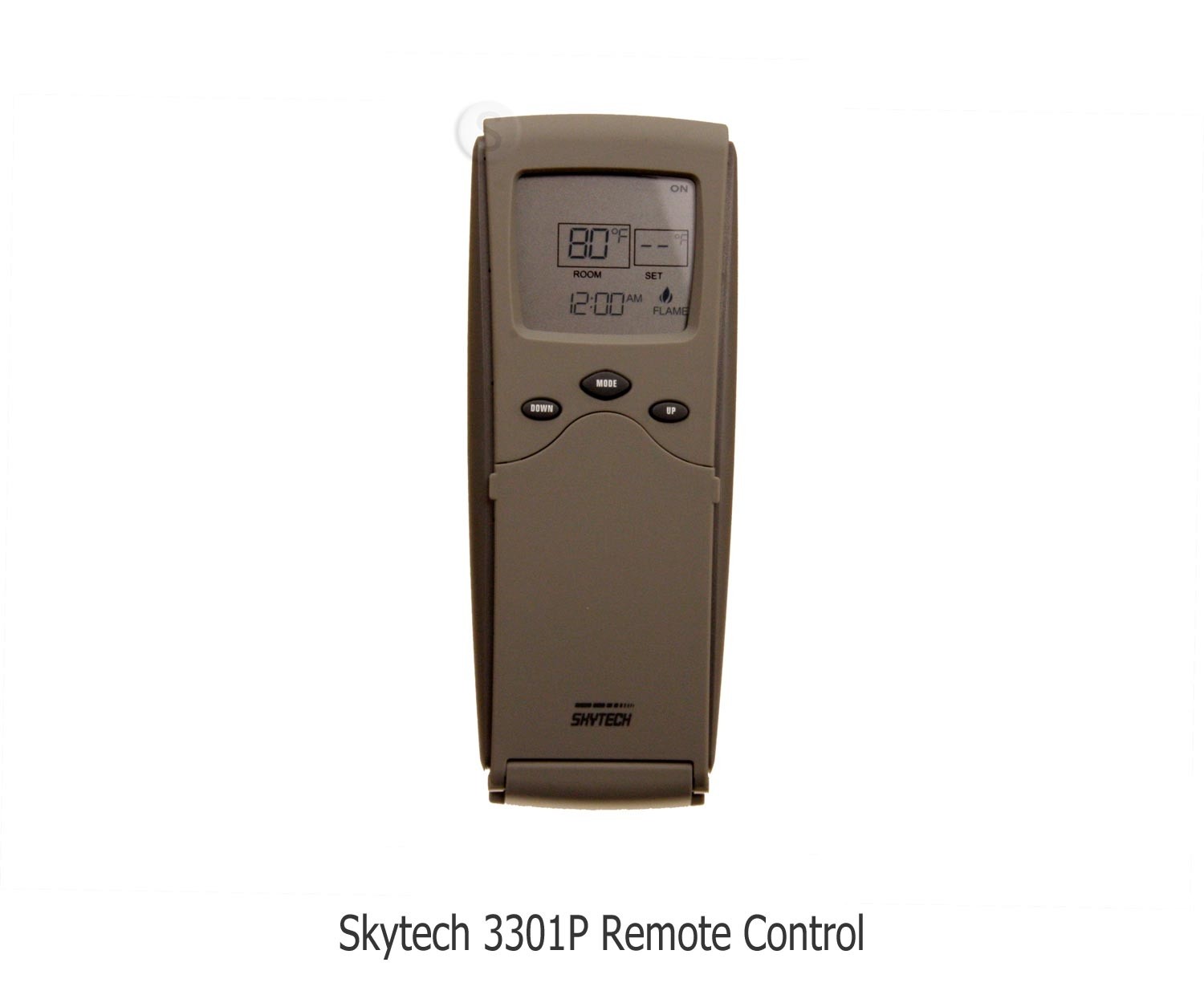
Programmable remotes add scheduled temperature settings. The scheduling format and included functions vary, so compare the actual program options rather than assuming every model offers the same features.
The Skytech 3301P2 and Skytech 5301P offer weekday/weekend programming and battery-powered receivers. The 5301P also has a touchscreen transmitter.
Use scheduled operation only as permitted by the fireplace and remote instructions. Programming does not override requirements to remain present while the appliance operates.
5. Wall-Mounted Remotes
Wall-mounted remotes keep the control in a fixed location. They are useful if you prefer a switch-style control or do not want another handheld remote to keep track of.
The Skytech 1001D-A is a wireless wall-mounted on/off option with a battery-powered transmitter and receiver. Its wall-mounted transmitter communicates wirelessly; the receiver still connects to the fireplace controls.
6. Smart Home and App Controls
App-based fireplace controls offer another way to operate a compatible system. Check the appliance connection, supported phone or tablet, app requirements, and any additional hardware before choosing one.
The iFlame IF-20 is an example of a Bluetooth fireplace control described by its manufacturer for compatible millivolt systems. Its documentation distinguishes Bluetooth operation from features that require an optional Wi-Fi/Bluetooth hub. Confirm current app support, hardware availability, and compatibility before ordering.
Use only controls intended for the fireplace’s approved interface. A general-purpose smart plug is not a substitute for a compatible millivolt remote receiver.
Frequently Asked Questions
Will a new millivolt remote work with my existing receiver?
Not necessarily. A transmitter must be compatible with the receiver’s specific model and communication system. If you are buying only a handheld remote, verify the receiver match first. A complete kit includes a matched transmitter and receiver but still needs to suit your fireplace.
Does a temperature display mean the remote has thermostat control?
No. Some remotes display room temperature without using it to control the burner. Check for a thermostat operating mode in the product specifications rather than relying on the display alone.
Final Thoughts
Choose the functions you will use after confirming compatibility: on/off for straightforward operation, a timer for countdown shutoff, or thermostat and programmable controls for temperature-based settings. Wall-mounted and app-based options provide different ways to access the controls.
For help matching an existing system, use our fireplace remote replacement guide or visit the Fireplace Remote Controls Help Center. Have your fireplace, transmitter, and receiver model numbers ready when asking our team for assistance.